LIGHT. MATH. YOUR NEXT BUILD.
Warp Tunnel
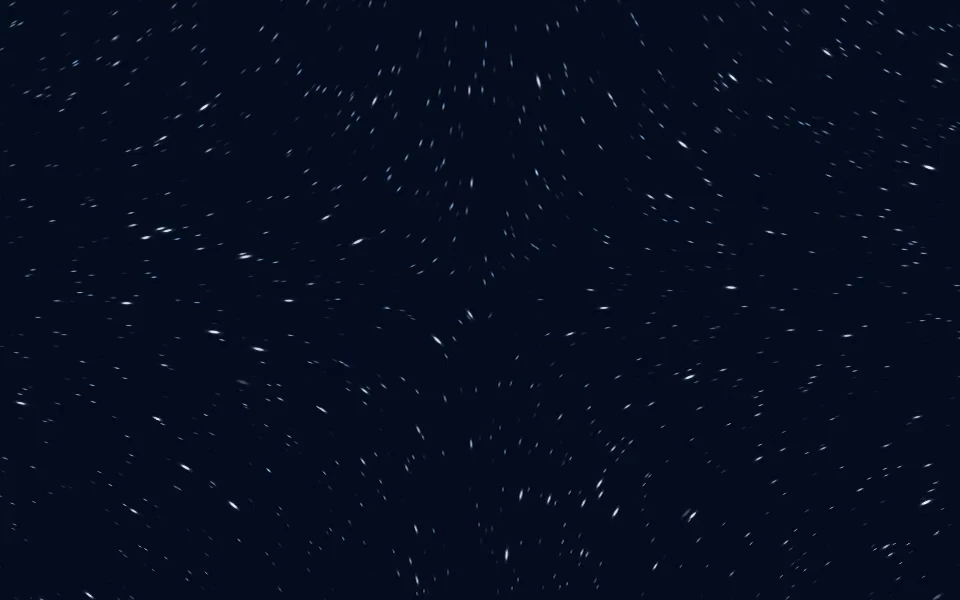
Projected stars stream through depth toward the camera. Cursor steering bends their flight while depth-aligned streaks catch the light.
Category: Space / forward flight.
Open Warp Tunnel in the live editor to customize its palette, motion, and supported camera controls. Use Take the code to download the configured kit after signing in. Complete membership access is free during the current launch offer.
Presets
- Polar flight:
#050c1d,#4a82b8,#e0f3ff - Amber flight:
#180e0b,#b17a43,#ffe5b2 - Violet flight:
#10091f,#7b58b4,#e4d0ff
Shader and camera controls
- Flight speed (
speed): 0 to 2. Default:0.6. - Stars (
particleCount): 800 to 10000. Default:4800. - Star size (
dotSize): 0.5 to 8. Default:0.9. - Zoom (
zoom): 0.3 to 3. Default:1. - Drift (
turbulence): 0 to 2. Default:0.4. - Soft focus (
softness): 0 to 1. Default:0.35. - Cursor strength (
interaction): 0 to 2. Default:0.9. - Particle fade (
trailFalloff): 0.25 to 4. Default:0.8. - Grain (
noise): 0 to 0.3. Default:0.008. - Fade in · ms (
fadeIn): 0 to 10000. Default:0. - Fade delay · ms (
fadeDelay): 0 to 5000. Default:0. - Image opacity (
overlayOpacity): 0 to 1. Default:0.5. - Glow (
glow): 0 to 1.5. Default:0.4. - Cursor radius (
gridRadius): 40 to 320. Default:150. - Force: attract / repel / disperse (
force): -1 to 1. Default:0. - Recovery (
recovery): 0.25 to 3. Default:1. - Depth (
depth): 0 to 2. Default:1.15. - Size variation (
sizeVariation): 0 to 1. Default:0.7. - Opacity (
opacity): 0.1 to 1. Default:0.8. - Light (
intensity): 0.2 to 1.5. Default:1. - Twinkle (
twinkle): 0 to 1. Default:0.3. - Spread (
spread): 0.3 to 2. Default:1. - Text breathing room (
quietRadius): 0 to 0.5. Default:0. - Flow direction (
flowAngle): -180 to 180. Default:0. - Click wave (
pulseStrength): 0 to 2. Default:1. - Camera rotation (
cameraRotation): -180 to 180. Default:0. - Camera zoom (
cameraZoom): 0.3 to 4. Default:1. - Horizontal focus (
cameraX): -2 to 2. Default:0. - Vertical focus (
cameraY): -2 to 2. Default:0.
These ranges describe the published catalog version c95289cdaea2230a65b802c2a20a8e959bc7f32114546534d14a23440d831f21. The website editor can curate or lock particular controls. The live editor and the current MCP settings schema are authoritative for available actions. Existing saved configurations remain supported.
Integration example
Download this shader's kit before running the example. The runtime is a local file from that kit, not a public CDN or npm package.
import { createBackground } from './shader-background.js';

const background = createBackground(
  document.querySelector('#background'),
  {
    "effect": "warp",
    "colors": [
      "#050c1d",
      "#4a82b8",
      "#e0f3ff"
    ],
    "speed": 0.6,
    "particleCount": 4800,
    "dotSize": 0.9,
    "maxPixels": 700000,
    "maxFPS": 30
  }
);

// On view teardown:
// background.destroy();
Give the host an explicit size, preserve applicable stage CSS from the exported example, and keep content above the decorative canvas. JavaScript, React, and Next.js guides explain integration.
Motion, assets, and licensing
Test the finished page on your target devices, respect reduced motion, and use a pause control for persistent animation. Keep the license and notices included in your kit. Uploaded imagery needs its own usage rights. See performance and licensing.