LIGHT. MATH. YOUR NEXT BUILD.
Abyssal Light
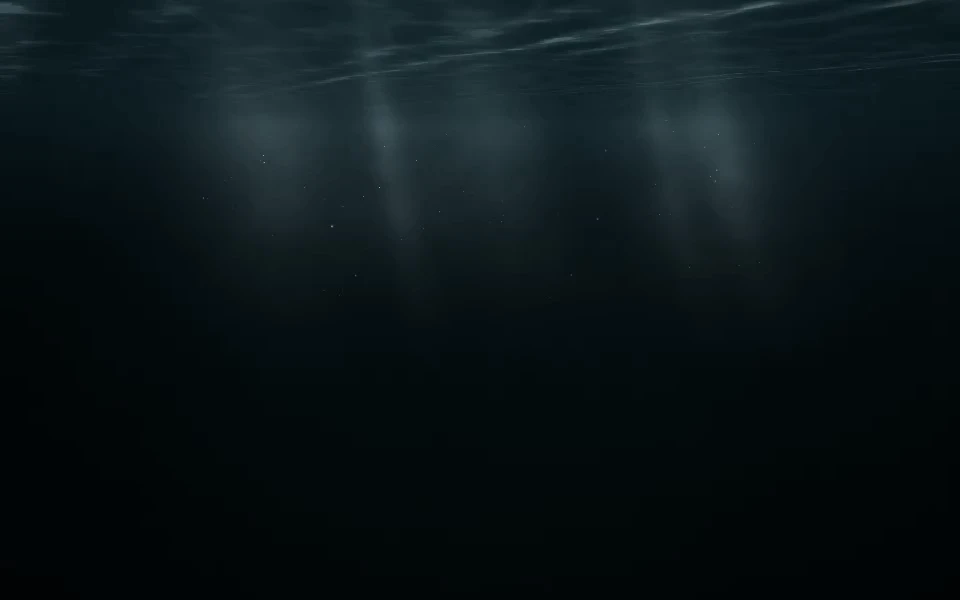
An overhead ocean surface stretches into the distance, with traveling ripples scattering sunlight through the water. A few soft shafts of sunlight dissolve about 60% down into the water. Fine marine snow drifts lower in the water with the rolling current and disappears into the haze. A large, faint organic shadow drifts across the lower water, stirring marine snow and soft eddies in its wake. Hover to illuminate nearby particles.
Category: Water / underwater light.
Open Abyssal Light in the live editor to customize its palette, motion, and supported camera controls. Use Take the code to download the configured kit after signing in. Complete membership access is free during the current launch offer.
Presets
- Below the light:
#010709,#16343c,#c5d8dd - Midnight trench:
#01050e,#102c4b,#79b2d8 - Cold green water:
#020d12,#124c4d,#b2d7bc
Shader and camera controls
- Current speed (
speed): 0 to 1.5. Default:0.55. - Water depth (
depth): 0.3 to 2.5. Default:1.1. - Sun shafts (
rays): 0 to 3. Default:2.2. - Shaft width (
rayWidth): 0.4 to 2. Default:1.4. - Marine snow (
particles): 0 to 2. Default:1.4. - Suspended haze (
haze): 0 to 2. Default:0.7. - Pointer particle light (
interaction): 0 to 1.5. Default:0.6. - Exposure (
intensity): 0.5 to 1.8. Default:1.1. - Grain (
noise): 0 to 0.3. Default:0. - Glow (
glow): 0 to 1.5. Default:0. - Glow radius (
glowRadius): 2 to 40. Default:14. - Blur (
blur): 0 to 24. Default:0. - Fade in · ms (
fadeIn): 0 to 10000. Default:0. - Fade delay · ms (
fadeDelay): 0 to 5000. Default:0. - Image opacity (
overlayOpacity): 0 to 1. Default:0.5. - Camera rotation (
cameraRotation): -180 to 180. Default:0. - Camera zoom (
cameraZoom): 0.3 to 4. Default:1. - Horizontal focus (
cameraX): -2 to 2. Default:0. - Vertical focus (
cameraY): -2 to 2. Default:0.
These ranges describe the published catalog version 673cf2d74fc64dea7d870e50092c7dc188feee0109b7334cc5e710d8d5ddebea. The website editor can curate or lock particular controls. The live editor and the current MCP settings schema are authoritative for available actions. Existing saved configurations remain supported.
Integration example
Download this shader's kit before running the example. The runtime is a local file from that kit, not a public CDN or npm package.
import { createBackground } from './shader-background.js';

const background = createBackground(
  document.querySelector('#background'),
  {
    "effect": "abyssal-light",
    "colors": [
      "#010709",
      "#16343c",
      "#c5d8dd"
    ],
    "speed": 0.55,
    "depth": 1.1,
    "rays": 2.2,
    "maxPixels": 700000,
    "maxFPS": 30
  }
);

// On view teardown:
// background.destroy();
Give the host an explicit size, preserve applicable stage CSS from the exported example, and keep content above the decorative canvas. JavaScript, React, and Next.js guides explain integration.
Motion, assets, and licensing
Test the finished page on your target devices, respect reduced motion, and use a pause control for persistent animation. Keep the license and notices included in your kit. Uploaded imagery needs its own usage rights. See performance and licensing.